
Corsairs: Conquest at Sea
1999Corsairs Community Patch
TestingCorsairs Community Patch 1.0.0 for Corsairs Gold from GOG fixes campaign startup, adds a wider view and zoom, improves camera and cursor movement, and repairs boarding and interface rendering. Install by copying the extracted files into the game folder, then start corsairs.exe.
This patch is available for community testing.
Corsairs Community Patch 1.0.0
Corsairs Community Patch brings together the fixes developed for the GOG edition of Corsairs Gold. Version 1.0.0 includes the complete set of 17 accepted patch components in a downloadable ZIP, ready to copy into the game folder, with English instructions in INSTALL.txt, license notices and checksums.
Campaign startup, display and sound
Fixed the new-campaign crash caused by a mission-file path that was too long.
Replaced the DirectDraw wrapper with cnc-ddraw and restored GOG intro playback and music, including seamless music loops.
Fixed book-menu page turning and improved the menu cursor.
Wider view and zoom
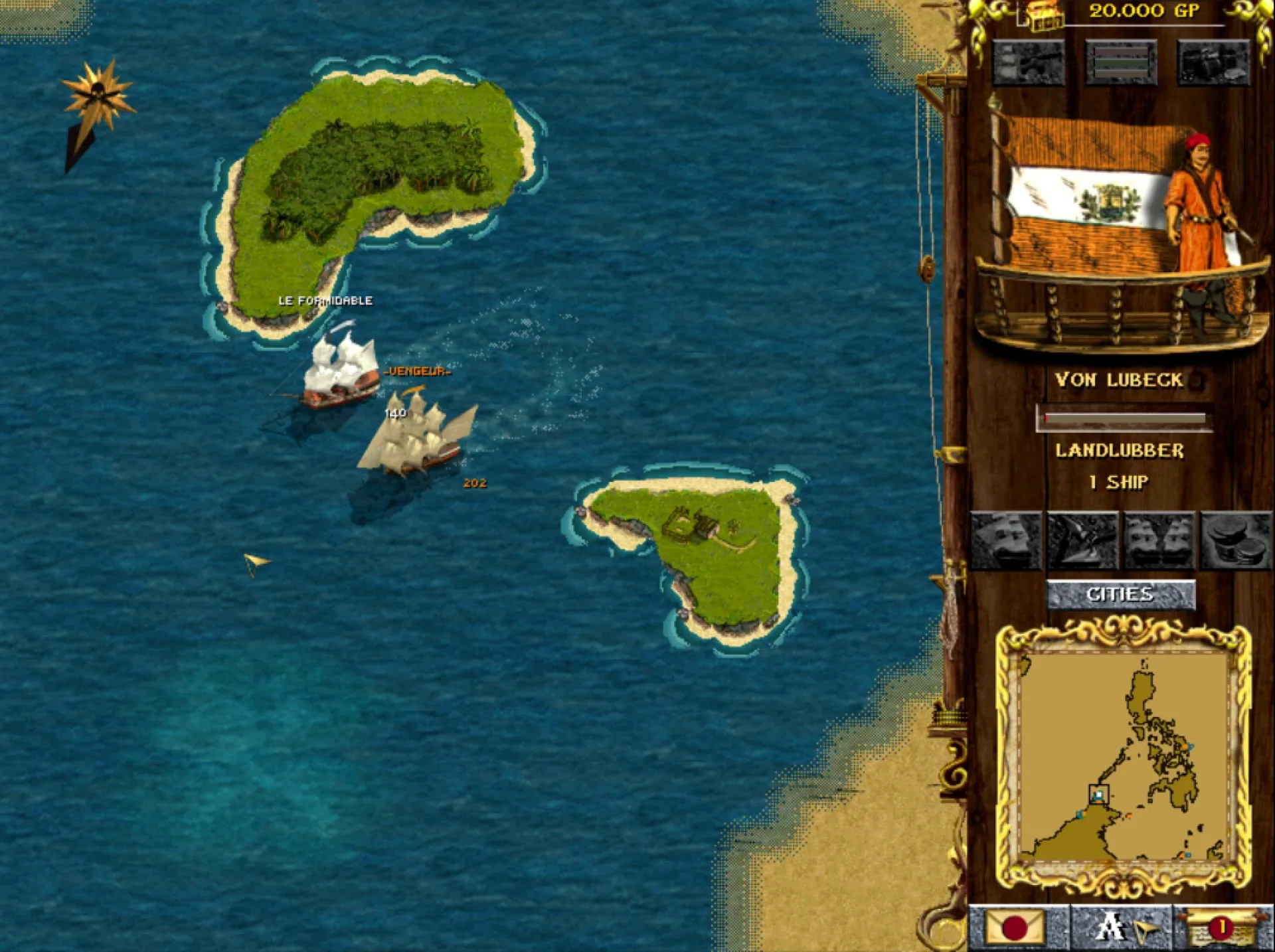
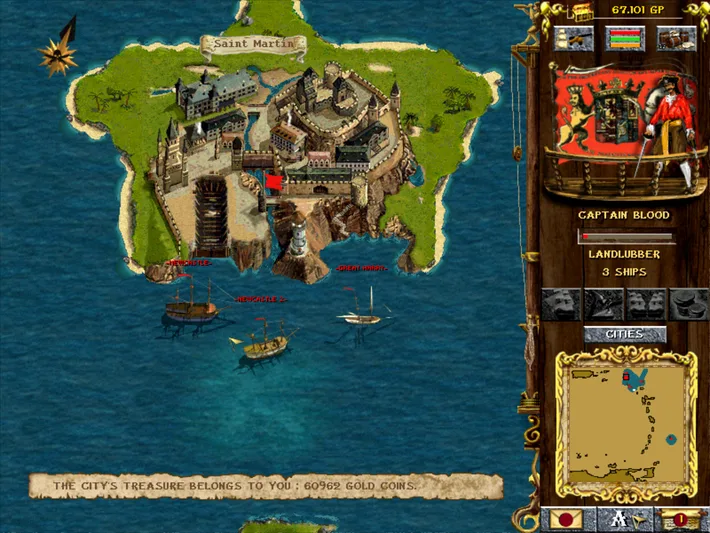
A 1056 × 600 game surface shows more of the map. The default output is 1280 × 720 in fullscreen mode.
Adjusted menu placement and full-width startup and mission-loading screens.
Mouse-wheel zoom-out on the sea map and during boarding, with selection and orders adjusted to the current view.
Camera and cursor
Smoother cursor movement, selection outlines and camera scrolling at the screen edges.
Camera movement is 25% faster at sea and 75% faster during boarding.
Smoother camera movement when dragging on the minimap.
Corrected sea-map cursor colors and stabilized indicators around the wider view.
Boarding and interface
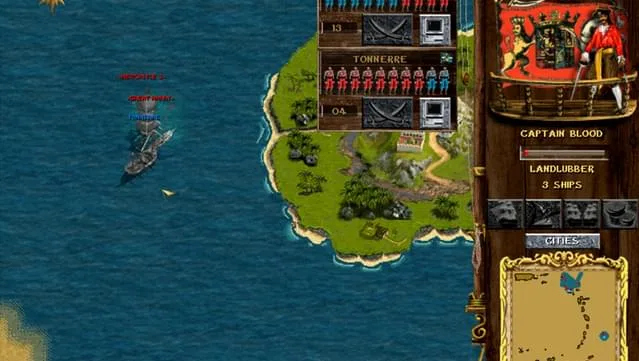
Corrected deck, character and interface rendering in the wider boarding view, including selection, movement orders and camera controls.
Darker brown names, labels and values in building-upgrade and ship-construction/repair panels improve readability.
The mission-outcome image now reaches the right sidebar, removing the strip of sea visible on the defeat screen.
Compatibility and optional cheats
The patch targets the verified GOG build of Corsairs Gold on Windows. Other game editions and operating systems have not been verified. Make a backup copy of your entire game folder before copying the patch files. Installing the patch replaces ddraw.ini with the default settings.
Cheats are disabled by default. Set cheats_enabled=1 in the [corsairs_patch] section of ddraw.ini and restart the game to enable F2 (win an active boarding fight) and F3 (lose the current sea mission).
About Corsairs: Conquest at Sea
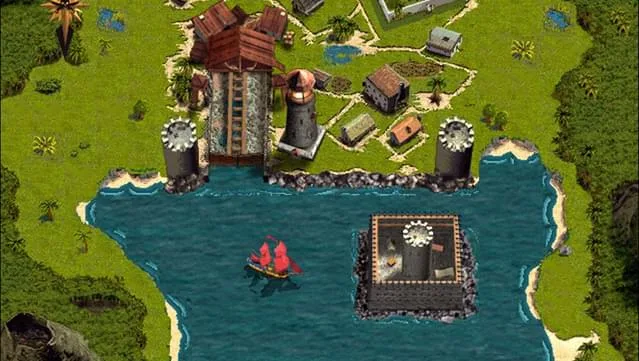
Corsairs: Conquest at Sea is a real-time naval strategy game from 1999 by Microids. You command a fleet, sail between ports and build your fortune through trade and combat. Managing cargo and crew morale is as much a part of the game as fighting rival ships.
The game combines fleet management with historical naval adventures, featuring figures such as Blackbeard and battles inspired by real events. GOG sells it as Corsairs Gold, which includes the original game and the expansion Corsairs: The New Conquerors.
Installing version 1.0.0
You need an installed copy of the supported GOG edition of Corsairs Gold on Windows. Installation uses File Explorer; no scripts, commands or PowerShell are required. Other editions and third-party mods have not been verified.
Close the game.
Make a backup copy of your entire game folder before replacing files. When updating, keep your current ddraw.ini settings in that backup.
Extract the ZIP to a temporary folder and open corsairs-community-patch-1.0.0-direct-exe.
Copy all files and folders inside it into the installed game folder containing corsairs.exe. Choose “Replace the files in the destination” and merge the data folder with the existing data folder. Allow Windows permission prompts if the game is in a protected folder.
Start the game by double-clicking corsairs.exe. Existing shortcuts pointing to corsairs.exe can still be used.
Keep corsairs.exe, corsairs_game.exe and corsairs_patch.dll together in the game folder. Copy the contents of the extracted folder, rather than the enclosing folder itself. INSTALL.txt contains the English installation guide.
Restoring your backup
To undo the patch, return to your untouched game-folder backup. Keep any saves made after installation before replacing the patched folder with that backup. Restoring the entire folder also removes the files added by the patch.
Corsairs Community Patch 1.0.0 is available
The first public 1.0.0 release brings together the Corsairs Gold GOG fixes in a copy-and-paste ZIP: wider view, zoom, smoother controls, clearer panels and a corrected defeat screen.
Read more →